Get the app
The cashier app, on the phone you already have
Download it straight to any Android phone or tablet. The app walks you through creating your account and getting the till selling.
1.0.0+218Android 8.0 and up
Installing
Four steps
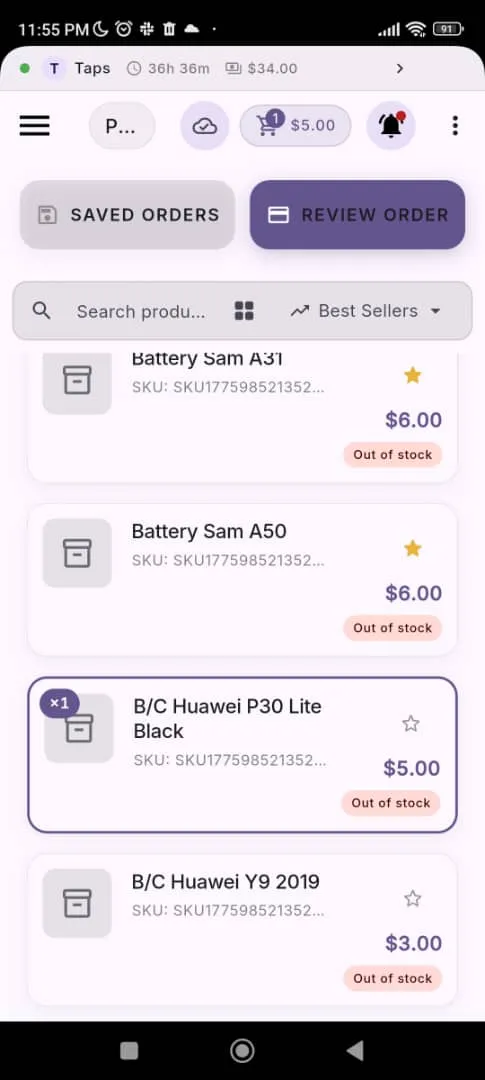
- 1 · Download
- Tap Download, then open the file from your notifications.
- 2 · Allow the install
- If Android blocks it, tap Settings in the prompt and allow “Install unknown apps” for your browser. This is normal for apps that don't come from the Play Store.
- 3 · Install and open
- Tap Install, then open the app once it finishes.
- 4 · Create your account
- Tap “Set up my business”. The app opens the web admin in your browser — accounts are created there, not on the till. Sign up, then come back to the app and sign in.
Load your stock before your first shift
Use a template, add products yourself, or photograph your stock book and we'll type it up—so the till has something to sell on day one.